Showing posts with label Apps. Show all posts

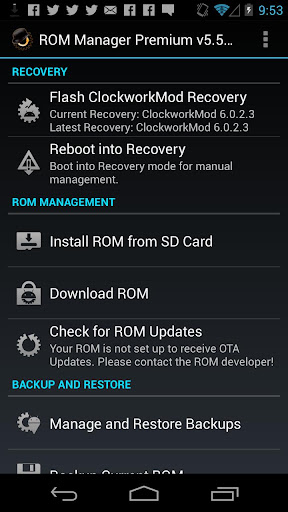
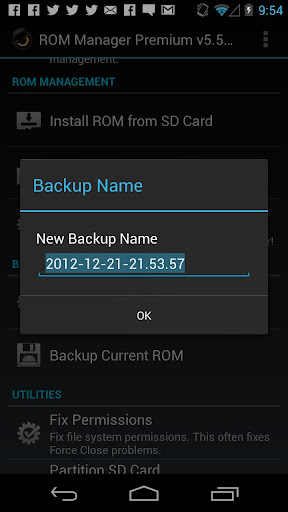
Rom Manager Premium v5.5.2.8

Rom Manager Premium

Must have app for any root user. Make backups, flash ROMs, and own your device.
ROM Manager is THE MUST HAVE APP for any Android root user. (Over 3 million downloads and counting!)

Features:

  • Flash your recovery to the latest and greatest ClockworkMod recovery.
  • Manage your ROMs via a handy UI.
  • Organize and perform backups and restores from within Android!
  • Install ROMs from your SD card.
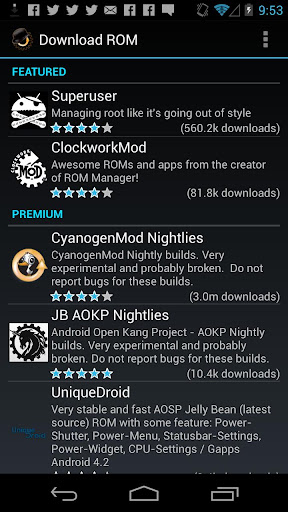
  • Install your favorite ROMs over the air!
Premium Version:

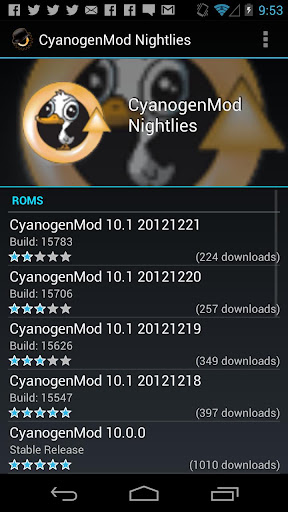
  • Premium ROMs
  • Receive notifications for when your ROM is updated!
  • Automatic backups
  • Install from QR Code
  • Web Connect
  • Support
Do you prefer using only recovery manually? Check out the Touch Recovery in app purchase, for the most advanced recovery available!

What's in this version : (Updated : Jun 7, 2013)
  • Crash fixes.
  • Revamp install from SDCard. Add support for Loki patch.
Required Android O/S : 2.2+


Screenshot :-


Download Size:- 3.3
File Type:- apk

Download At:- Uploading or Filefactory 

read more

DraStic DS Emulator


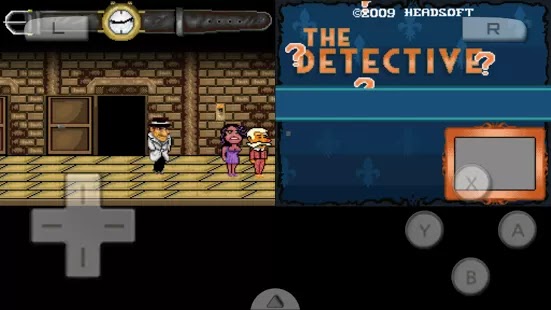
Drastic DS Emulator latest ds emulator came 2 town for android

DraStic is a fast Nintendo DS emulator for Android. In addition to being able to play Nintendo DS games full speed on many Android devices it has the following features:
- Customize the placement and size of the DS screens, for portrait and landscape modes
- Fully supports add-on controllers, and physical controls in devices like nVidia Shield and Xperia Play
- Save and resume your progress anywhere with save states
- Tweak your gaming experience with a database of thousands of cheat codes
- Synchronize your save games with your online Google Drive space
- Increase emulation speed with fast-forward

NOTE: Android devices using Tegra 2 are not supported by this emulator. We've attempted to blacklist these devices, but if you still have one that is not blacklisted do not purchase this emulator.

REFUNDS: If you are unhappy with the software we offer refunds within 48 hours. Please e-mail us at drastic.ds@gmail.com with "REFUND" in the e-mail title and your order number in the message. Please include a reason so we know why you wanted the refund.
DraStic is only intended for play of private backups of legally acquired Nintendo DS games. This product is not affiliated with or endorsed by Nintendo in any way.


What's New

Version 2.1.1a:
- No longer requires BIOS/firmware (but will still use ones you've installed). ARM7 BIOS still needed for encrypted ROMs.
- Emulation of Pokemon Heart Gold/Soul Silver is improved (confirmed playable start to finish)
- Some games w/save game problems should be fixed
- Removed bluetooth requirement, can now install on more devices
- Screen swapping now allowed in portrait mode
- Fixed glitches w/on-screen controller opacity set to 0
- Fixed 'Assorted' cheat folder causing a crash

Screenshot:-

Requires Android: 2.3 and up 


Download Size -6.2 mb
File Type -apk

Download At -Uploading or Filefactory
Ds Bios - Uploading or Filefactory

read more

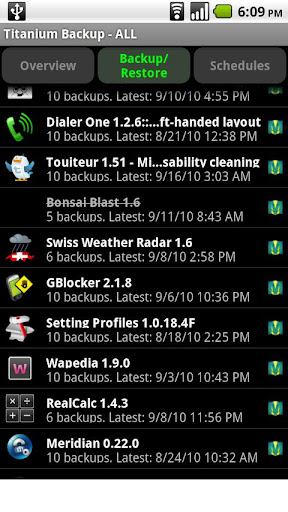
Titanium Backup Pro


Titanium Backup Pro 

Titanium Backup is the most powerful backup tool on Android, and then some.
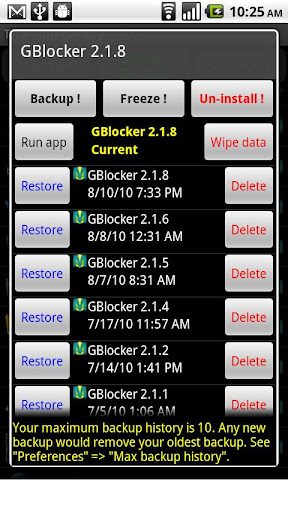
You can backup, restore, freeze (with Pro) your apps + data + Market links. This includes all protected apps & system apps, plus external data on your SD card. You can do 0-click batch & scheduled backups.

Backups will operate without closing any apps (with Pro). You can move any app (or app data) to/from the SD card. You can browse any app's data and even query the Market to see detailed information about the app.

PRO FEATURES ADDED:
Multiple backups per app
0-click batch restore
Multi-user support for some apps! (eg: games)
Batch verification
Backup apps without closing them!
Restore individual apps+data from CWM backups!
Restore individual apps+data from TWRP backups!
Hypershell speed
Migrate system data across different ROMs
Market Doctor (relink apps to Market)
"Destroy all Market links" feature
Apps freezer (incl. batch support)
Market "auto updating" manager
Convert user apps <=> system apps
Encryption
Unlimited schedules
Sync to/from Dropbox (manual/scheduled)
Sync to/from Box (manual/scheduled)
Sync to/from Google Drive (manual/scheduled)
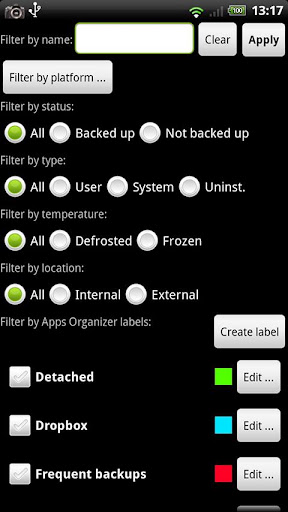
Load/Save a Filter and use it in Widgets/Schedules
Protect backup against deletion
Send backup by e-mail
Backup→Verify→Un-install an app in one shot
Freeze/defrost/launch apps in a single click
CSV export any app DB (e-mail or Google Docs)
Brand the app with your name
Bloatware Melter (experimental)
Convert app data to/from faster WAL DB format

MORE MEMORY:
Dalvik cache cleaner
Integrate system app updates into ROM
Move apps into ROM
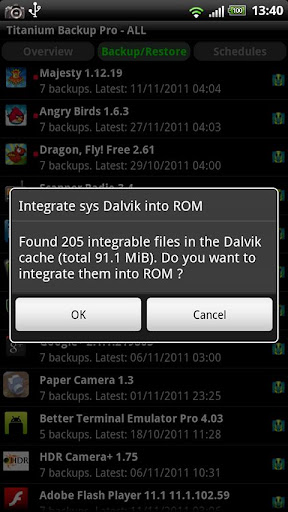
Integrate Dalvik cache system elements into ROM

What's in this version : (Updated : May 13, 2013)

1. Improved Market link backup/restore/detach: better support for recent versions of Play Store app.
2. Improved UI layout (icon dimensions and other minor things) on Full HD devices (eg: Samsung Galaxy S4, HTC One).
3. Fixed hang when restoring externally stored apps on a device with no SD card.
4. Fixed failure to restore Wi-Fi networks from XML on some devices (eg: HTC One).
5. Updated translations.

Required Android O/S : 1.6+

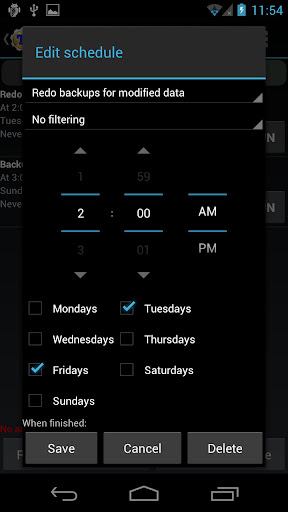
Screenshots :


Download Size 5.6 mb
Download Here
Instructions
  • Install Titanium Backup APK
  • Copy TitaniumBackup_license.txt' to root of sdcard (sdcard/)
  • Run Titanium Backup and verify that your registration information is displayed.
  • If not uninstall and install Titanium Backup APK.
read more

SwiftKey Keyboard v4.1.3.149


 SWIFTKEY - THE MIND-READING KEYBOARD


SMART & EASY
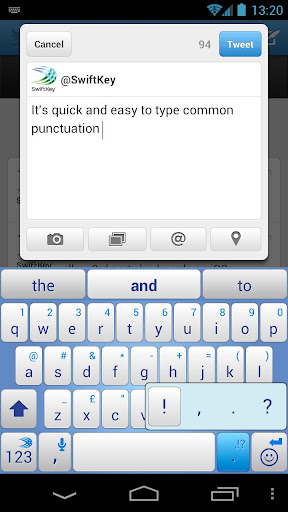
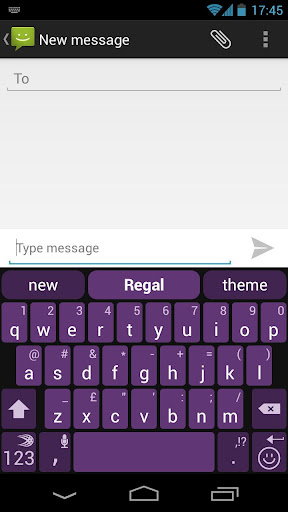
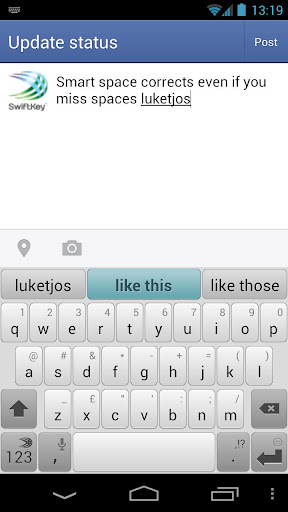
- SwiftKey replaces your phone’s keyboard with one that understands you.
- It predicts your next word before you’ve even pressed a key.
- It provides the world’s most accurate autocorrect in 60 languages.
SwiftKey makes touchscreen typing faster, easier and more personalized no matter what app you’re typing in!
LEARNING
- SwiftKey learns as you type, adapting to you and your way of writing.
- Train SwiftKey on your message archives from Gmail, Facebook and Twitter, or your blog.
- SwiftKey doesn’t just learn your popular words, it learns how you use them together.
TAP OR FLOW YOUR WORDS
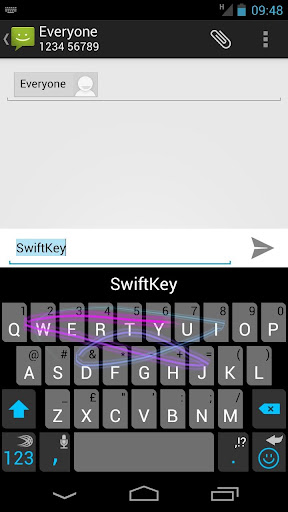
- Switch between tapping and gesture-typing with SwiftKey Flow.
- Flow combines the mind-reading capabilities of SwiftKey with the speed and ease of gliding your fingers across the screen.
- Flow gives word predictions in real-time as you gesture.
- Type entire sentences without lifting your finger from the screen, simply by sliding to the space bar between words -- what we call ‘Flow through Space’.
MULTI-LINGUAL
- SwiftKey supports contextual prediction in 60 languages and counting.
- Enable up to three languages at once.
- Naturally combine languages without having to change a setting.

LANGUAGES SUPPORTED:
  • English (US)
  • English (UK)
  • Afrikaans
  • Arabic
  • Basque
  • Bulgarian
  • Catalan
  • Croatian
  • Czech
  • Danish
  • Dutch
  • Estonian
  • French (CA)
  • French (FR)
  • Finnish
  • Galician
  • German
  • Greek
  • Hebrew
  • Hungarian
  • Icelandic
  • Indonesian
  • Italian
  • Kazakh
  • Korean
  • Latvian
  • Lithuanian
  • Norwegian
  • Persian (Farsi)
  • Polish
  • Portuguese (BR)
  • Portuguese (PT)
  • Romanian
  • Russian
  • Serbian
  • Spanish (ES)
  • Spanish (US)
  • Slovak
  • Slovenian
  • Swedish
  • Turkish
  • Ukrainian                 
Required Android O/S : 2.1+

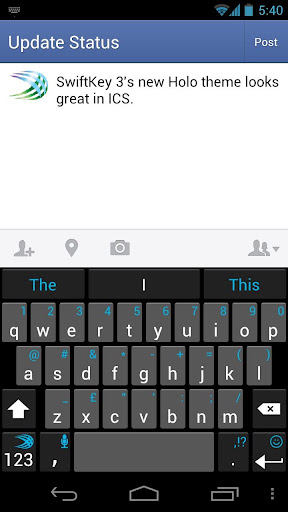
Screenshots :


Download Size 7.79 mb
                                              Download   HERE

read more

Mine-craft - Pocket Edition Jul 4, 2013


                                              Mine-craft - Pocket Edition tion 
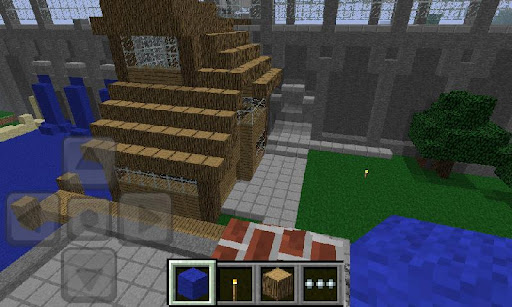
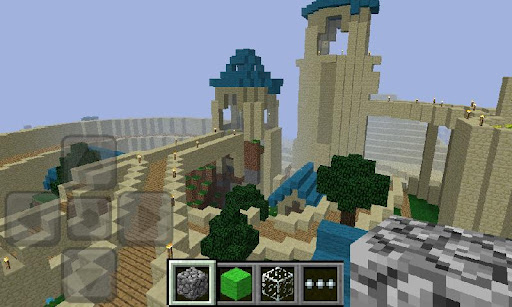
Imagine it, build it. Create worlds on the go with Minecraft - Pocket Edition
The new Minecraft - Pocket Edition allows you to build on the go. Use blocks to create masterpieces as you travel, hangout with friends, sit at the park, the possibilities are endless. Move beyond the limits of your computer and play Minecraft everywhere you go.


Features:                      
  • Randomized worlds
  • Build anything you can imagine
  • Build with 36 different kinds of blocks
  • Invite and play with friends to your world (local wireless network)
  • Save multi-player worlds on your own phone
  • Xperia PLAY optimized                                                                                                                                                                                                                                                                                             What's in this version: (Updated : Jul 4, 2013)                                                                   
  • Unicode keyboard support, chat in more languages!
  • Clients' armor is saved on server
  • Realms bug fixes
  • A few more bug fixes :)
  • Higher friction while flying                                                                                                                                                                                                                                                                                         Required Android O/S : 1.6+ 
  • Screenshots :

  •    
     Download Size 6.6 mb

    Download HERE
read more

Nova Launcher Prime Jun 10, 2013


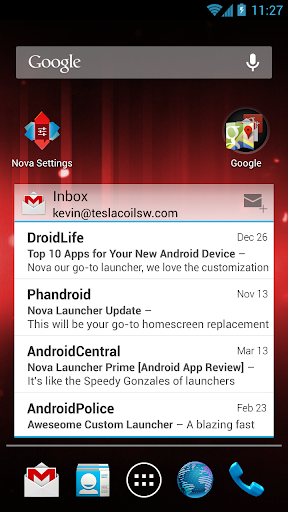
Highly customization, performance driven, home screen replacement for Android 4.0+!


Nova Launcher Prime
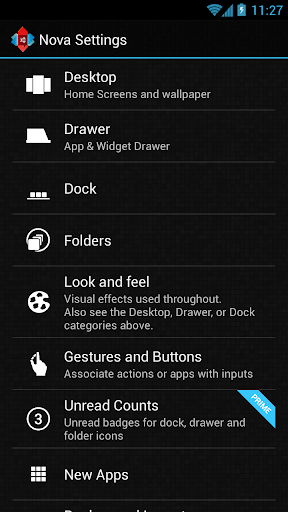
Features include:

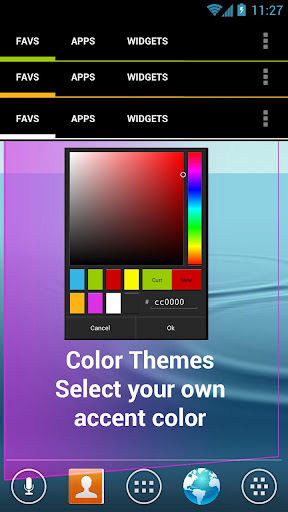
Color Themes
Change the ascent color of the launcher, full color picker support


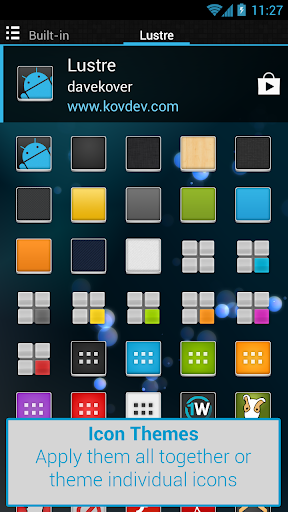
Icon Themes
Apply ADW or Go launcher icon themes to all app icons

Scrollable Dock (for Tablets and Phones)
Keep all your favorite apps on the dock, with up to 7 icons per page and up to 3 pages.

Customizable App Drawer:
Transparency
Scrolling style, choose between horizontal paginated or vertical continuous

Scroll Effects
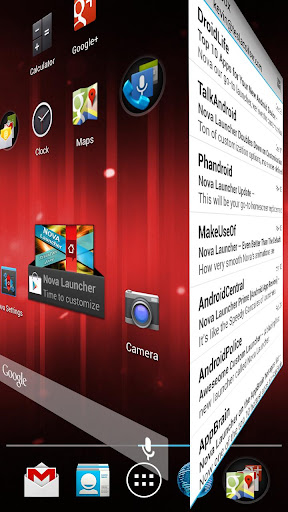
Enjoy eye candy when scrolling your desktop and drawer. Effects include Cube and Cardstack and more for Prime users.

Infinite Scroll
Never be far from your favorite page, loop through your desktop continuously.

Folder Icons
You can chose a background, preview style or even replace the whole icon.

Backup/Restore
Export your settings and layout before a wipe to quickly get back up and running.

Widgets in dock
Add any 1x1 widget to the dock

Widget Overlapping
Overlap on resize or placement, long-press to send to back or bring to front

Bulk Add
Add multiple apps to the desktop or a folder at once

Activities shortcut
Select hidden activities from your favorite apps

Nova Launcher Prime Features (Paid version)

Nova Launcher Prime unlocks the following features in Nova Launcher:

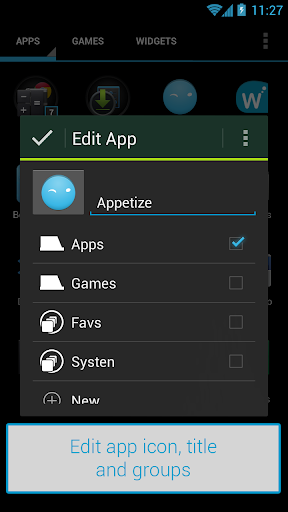
Drawer Groups:
  • Folders in App Drawer
  • Unlimited custom tabs
  • Organize apps into tabs and folders in the app drawer
Gestures
Quickly start Nova Actions or Apps from gestures on the desktop, such as pinching, swiping or two-finger swiping.

Hide Apps
Keep a clutter free drawer by hidding never used apps.

Dock Swipes
Get more use out of your dock apps by setting swipe-actions

What's in this version : (Updated : Jun 10, 2013)
  • Fix shortcuts installed from third party apps
  • Fix inconsistencies in drawer groups
  • Fix live wallpapers not showing on some devices
  • Misc fixes and optimizations
Required Android O/S : 4.0+

Screenshots :


Download Size 3mb
                                                                   Download  HERE
read more